

CASE STUDY
Workshopr.io
Facilitator’s
SaaS Platform

The facilitation platform that I needed for 15 years
DURATION
28 Weeks
TYPE
0 - 1
TEAM SIZE
1
TOOLS
Claude Code, Gemini, Kimi, N8N, Figma
ROLES
Founder, Designer, Developer
LIVE SITE
CASE STUDIES
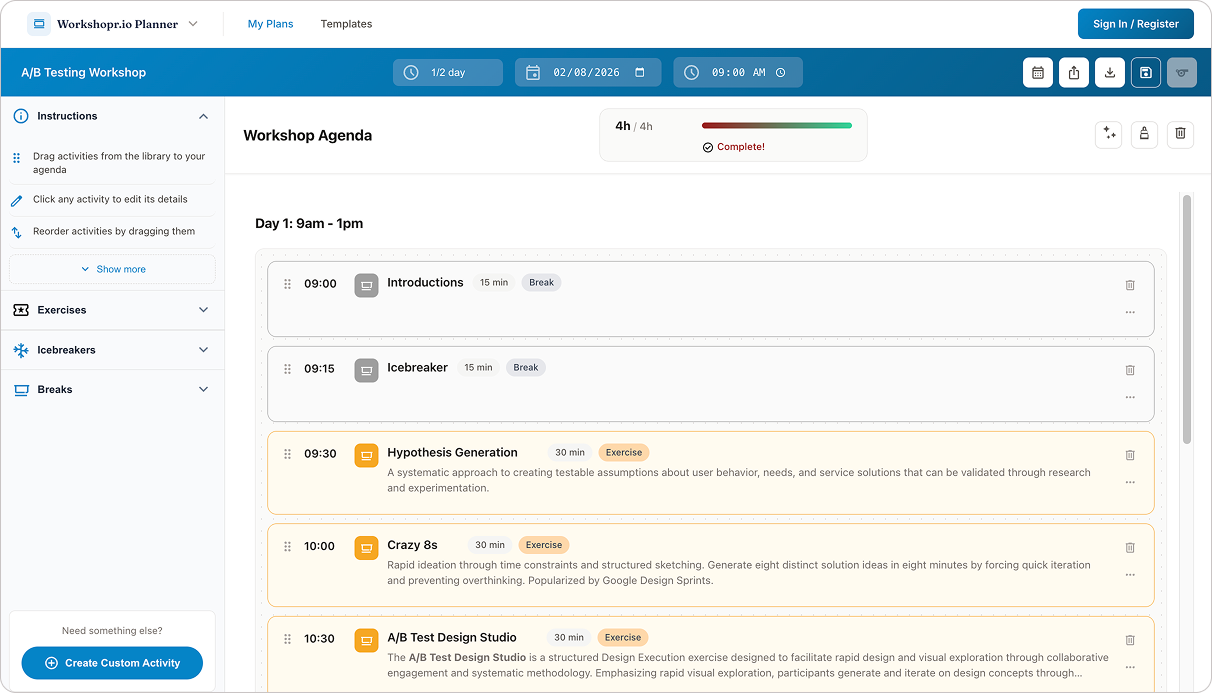
Workshopr.io Planner Application Interface
The short version
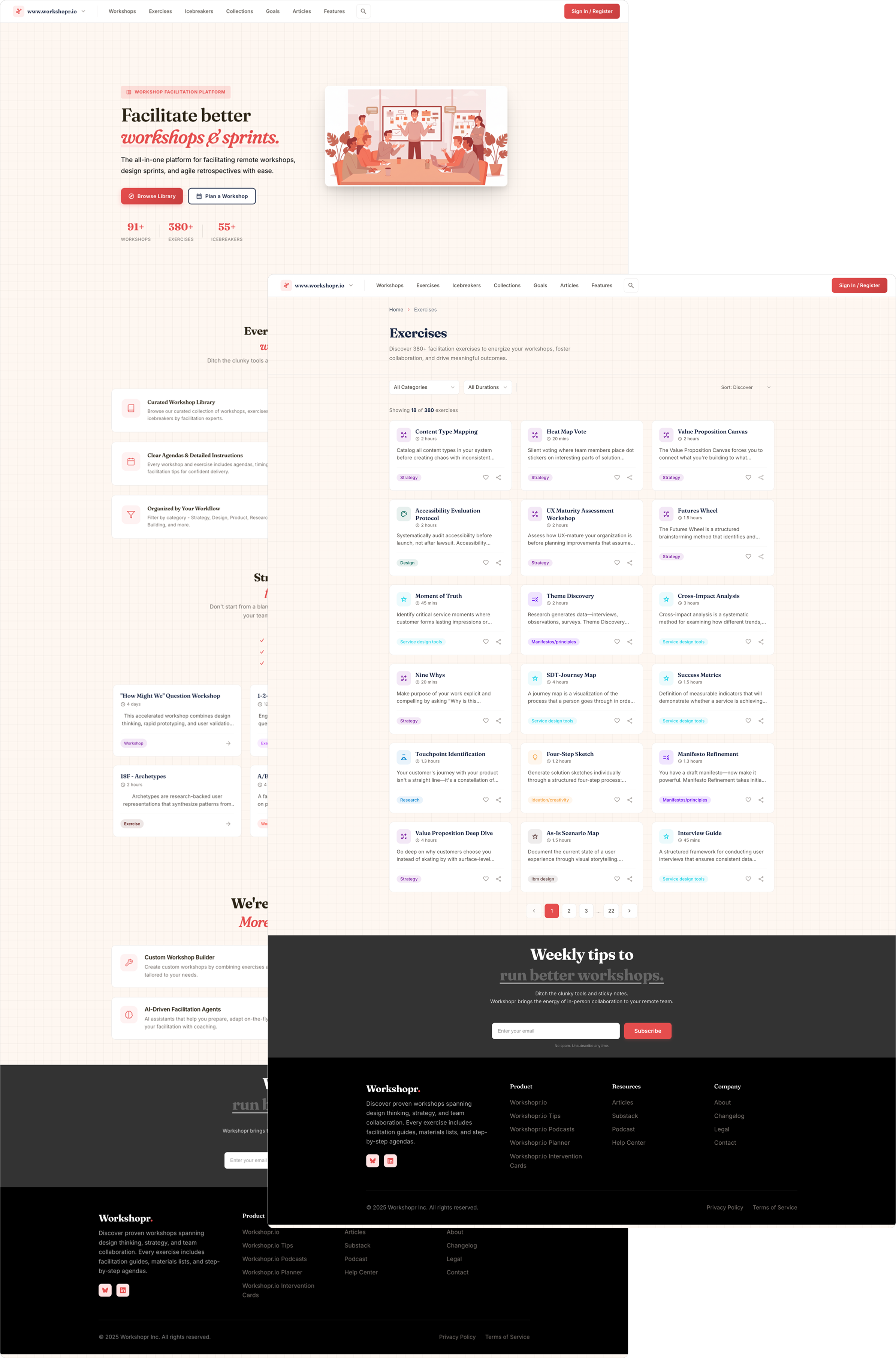
Workshopr.io Homepage & Exercises Listing Page
I designed and built a SaaS platform that helps workshop facilitators prepare, run, and learn from their sessions. Content library, drag-and-drop planner, AI coaching, intervention cards, and a personality framework — all from scratch as a solo designer-developer.
Why this exists
I've been facilitating workshops for over 15 years. The tools never fit.
Miro, Mural, and Figjam are built for participants, collaborative canvases where people move sticky notes around. Great for the session itself, terrible for the facilitator preparing at 11pm the night before, wondering if their agenda actually adds up to 3 hours or 4.
The alternative is worse: a Google Doc with a table. Exercise names in one column, durations in another, and a formula at the bottom that's wrong because someone typed "30 mins" instead of "30." No connection between the exercises you're planning and any reference for how to actually run them. No help when the room goes sideways 45 minutes in.
I wanted one platform that covers the full arc — find the right activities, build a timed agenda, get coaching support during the session, and reflect afterward so the next one is better. It is still a work in progress, but growing.
What I built
Workshopr.io is four connected products sharing a design system, a content library, a user model, 3 micro-sites, a weekly podcast, and a Substack with over 50 articles, and 3 published weekly.
LEARN
Workshopr.io
Workshop & exercise library
Workshopr.io Tips
Quick actionable tips
Workshopr.io Podcasts
Weekly deep dives
PLAN
Workshopr.io Planner
Build workshop agendas
My role
FACILITATE
Workshopr.io Coach
AI facilitation coaching
(COMING SOON)
Workshopr.io Interventions
Faciliation rescue cards
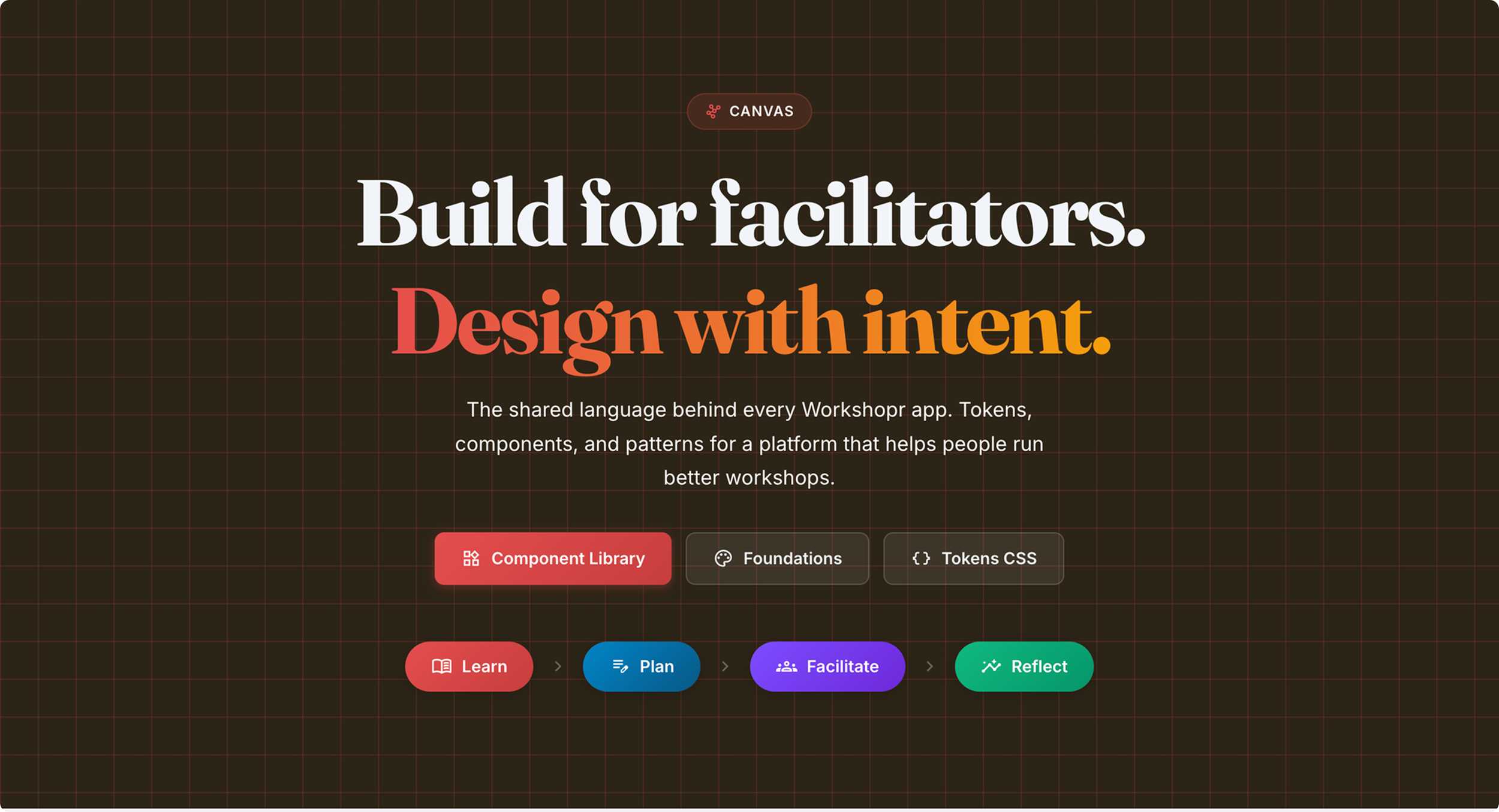
The Canvas design system
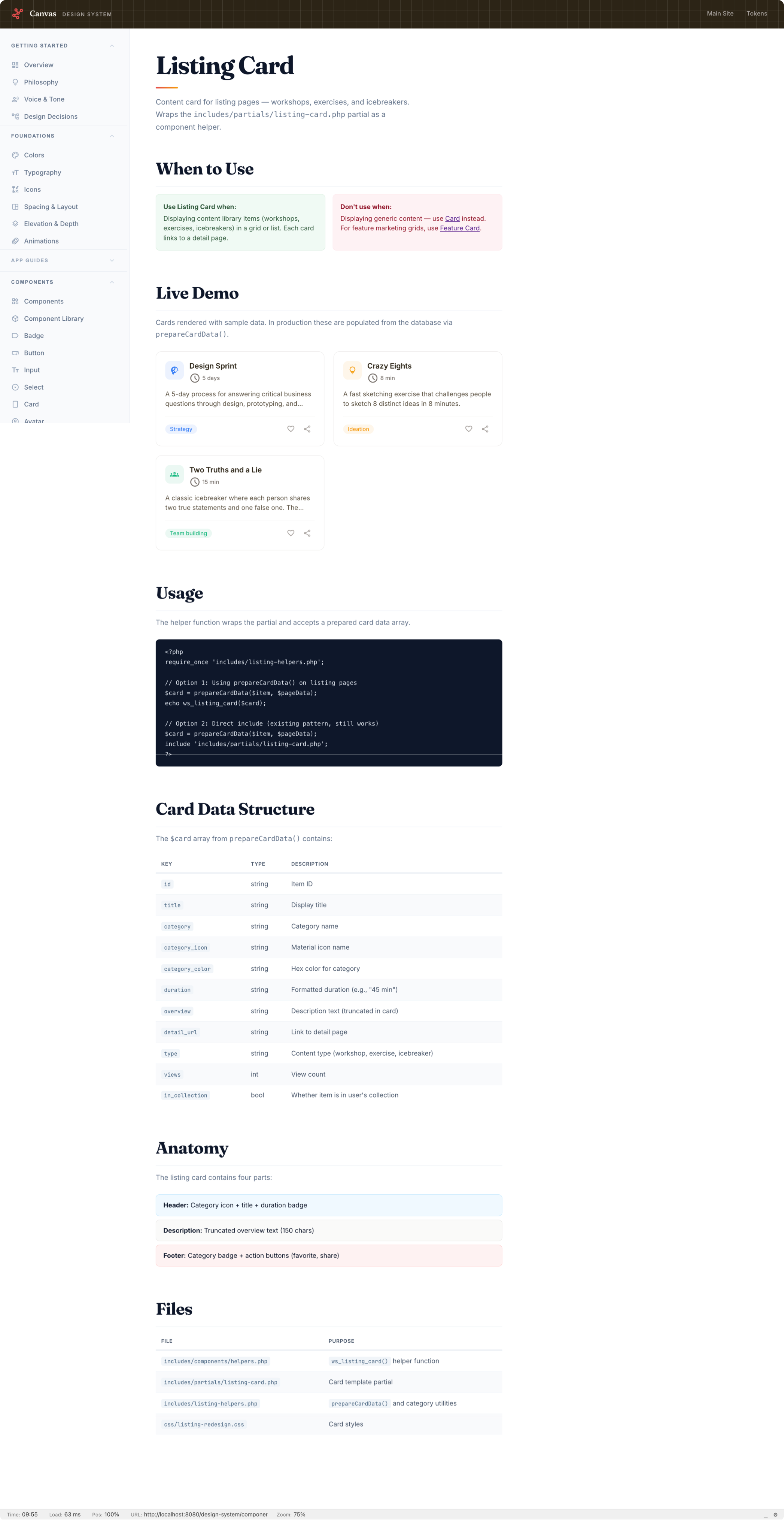
Before building any product surface, I built the foundation. It all started in Figma with a component library, then went to code. A single CSS token file (platform-tokens.css) defines all colors, spacing values, type scales, and elevations across the entire platform. Each app gets its own color identity: blue for the Planner, purple for the Coach, green for DNA profiles and Training, but they all pull from the same token set.
On top of the tokens: a PHP component library. Badges, cards, buttons, modals, tabs, toasts, progress bars, accordions, alerts, skeleton loaders, breadcrumbs, stat groups, empty states. Each component is a helper function (ws_button(), ws_card_start(), ws_alert()) so the markup stays consistent whether I'm building it at 9am or midnight.
Per-app design guides document the philosophy, color usage, layout patterns, and do/don't rules for each product surface. The design system has its own live demo site.
I named the design system Canvas because facilitators work with canvases constantly (Business Model Canvas, Lean Canvas, Empathy Map Canvas, etc.), and a canvas is the blank surface you build on, which maps well to what a design system provides: the foundation for creating interfaces.
REFLECT
Facilitator’s DNA Quiz
Discover your facilitation style
Workshopr.io Training
Facilitation courses & workshops
(COMING SOON)
Content Library feeds exercises into the Planner. The Planner's agenda feeds into the AI Coach for live session support. The Coach pulls Intervention Cards when things go sideways. Facilitator DNA profiles personalize the Coach's recommendations and track skill growth over time. Everything connects, but each piece also works on its own.
Everything. User research, UX design, visual design, design system, frontend, backend, database schema, API design, AI prompt engineering, content strategy, and copywriting. Solo project from first commit to production.
The three case studies
What follows are deep dives into three of the products. Each one had a distinct design challenge:
Workshopr.io — How do you make hundreds of activities browsable without overwhelming, and detailed enough to run from without reading a manual?
Workshopr.io Planner — How do you replace a spreadsheet with something faster, not just prettier? And how do you handle the leap from planning to actually running the session?
Workshopr.io Facilitator DNA — How do you build a personality framework that's useful rather than flattering? And how do you make a quiz feel like a reflection instead of a BuzzFeed quiz?
Technical approach
Worth noting since I designed and built this: the architecture choices were deliberate, not default.
Server-rendered PHP, not a SPA. Facilitators use this on laptops during live workshops, often on spotty conference wifi. Server rendering means the content is there on first paint. No loading spinners, no hydration flicker, no "please wait while we load your 200KB JavaScript bundle."
Vanilla JS modules, no framework. The planner has 11 JS modules. The coach has its own class. Each is a plain file loaded via <script> tags — no webpack, no bundler, no node_modules. When I need to fix the drag-and-drop behavior, I open one file. The total JS payload for the planner is a fraction of what a React equivalent would ship.
PDO with prepared statements everywhere. Every database query is parameterized. No ORM, no query builder — just SQL I can read and optimize directly.
AI integration with fallbacks. The coach calls Claude's API for real-time suggestions, but every AI feature has a static fallback. If the API is down or the key expires, the coach still works — it just gives pre-written advice instead of generated advice. Facilitators don't get a blank screen during a live session.
Three-layer persistence in the planner. sessionStorage for the current tab, cookies for settings across tabs, database for permanent saves. Anonymous users can build a full agenda without signing up. The "create account" prompt comes when they want to save — not before they've experienced the value.
ContactMe
bbulman@gmail.com
(847) 951-5938